
Some notes as I go along figuring out the Split function in Power Apps.
The syntax is like this: Split( Text, Separator )
And it breaks up the Text along the Separator. There doesn’t seem to be a regex way of specifying the Separator (I could be wrong, early days!) so for right now if I want to split along commas, for instance, I must also include the space.
Thus: Split("abc, def, ghi", ", ").
Two things took me by surprise.
- The result is a table. With a single column called Value.
- And this table (all tables in Power Apps I suppose!) start with Index 1. Not 0.
Thus, to get “abc” out of “abc, def, ghi” (which is in a variable var1 below) I must do:
|
1 2 |
Set(var1, "abc, def, ghi"); Index( Split( var1, ", " ), 1 ).Value |
First I split. Then I use Index to get the first element. And then I get the Value column.
There doesn’t seem to be a way using Index to get elements from the end. Like an index of -1 for instance. For this I must use the Last or LastN functions.
|
1 2 |
Set(var1, "abc, def, ghi"); Last( Split( var1, ", " ) ).Value |
This will return “ghi”.
Btw, the documentation for Split is outdated. In these two examples, it should read Value instead of Result.
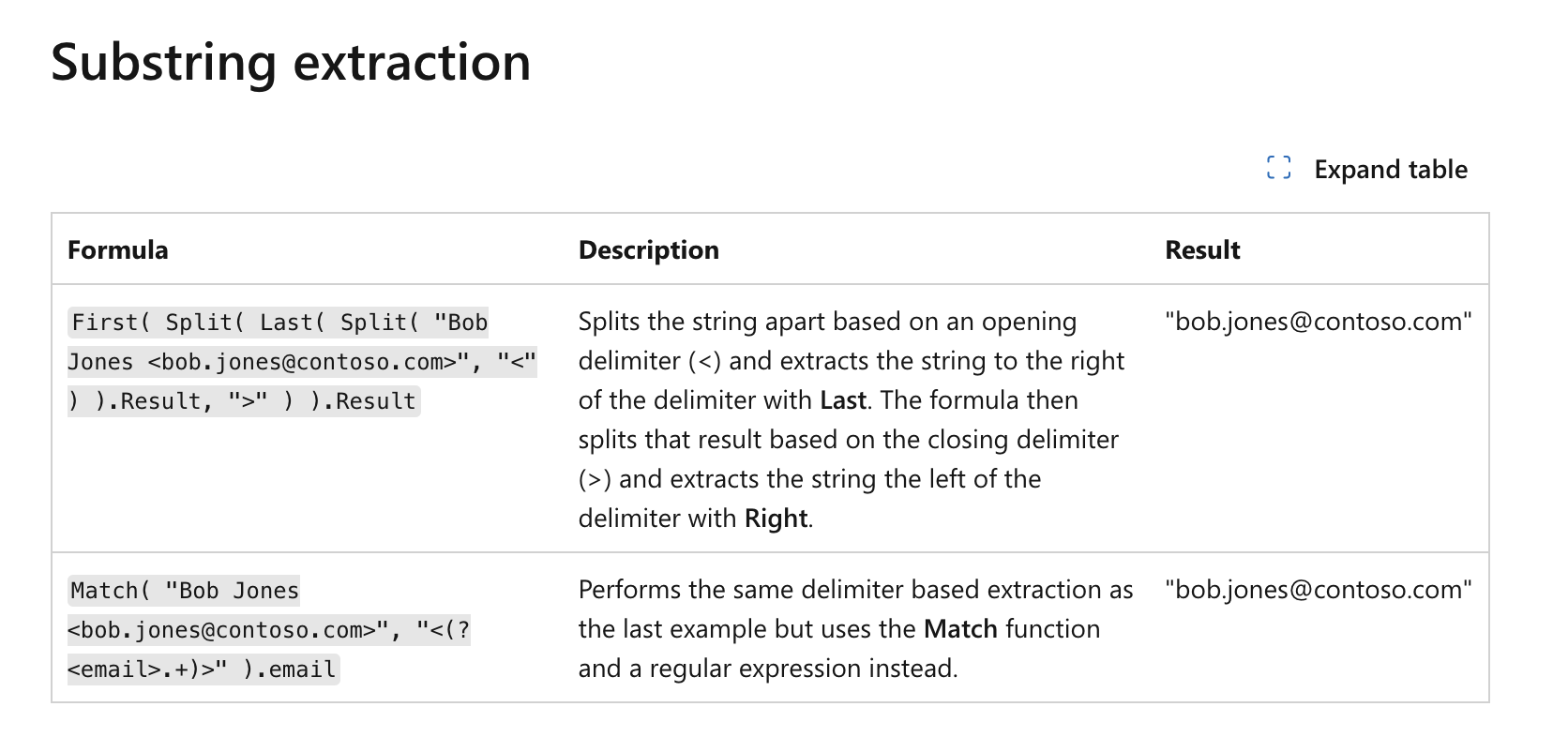
Looks to be a change in 2023.