
Playing with Functions in KQL today. One of the things I wanted to do was troubleshoot the input I am passing to a Function. Couldn’t figure out a obvious way to do this, so here’s what I did.
My objective here is simply to see if I am even passing inputs in correctly! At this point I am very new to KQL functions so we are talking basics here. 😀
Here’s what I did. I created a new KQL query like this:
|
1 2 3 4 5 |
let blah = datatable (Blah1:string, Blah2:string) [ "111", "222" ]; blah | extend UserInput = Users |
Then created a function out of it, and gave that function a single input called ‘Users’.
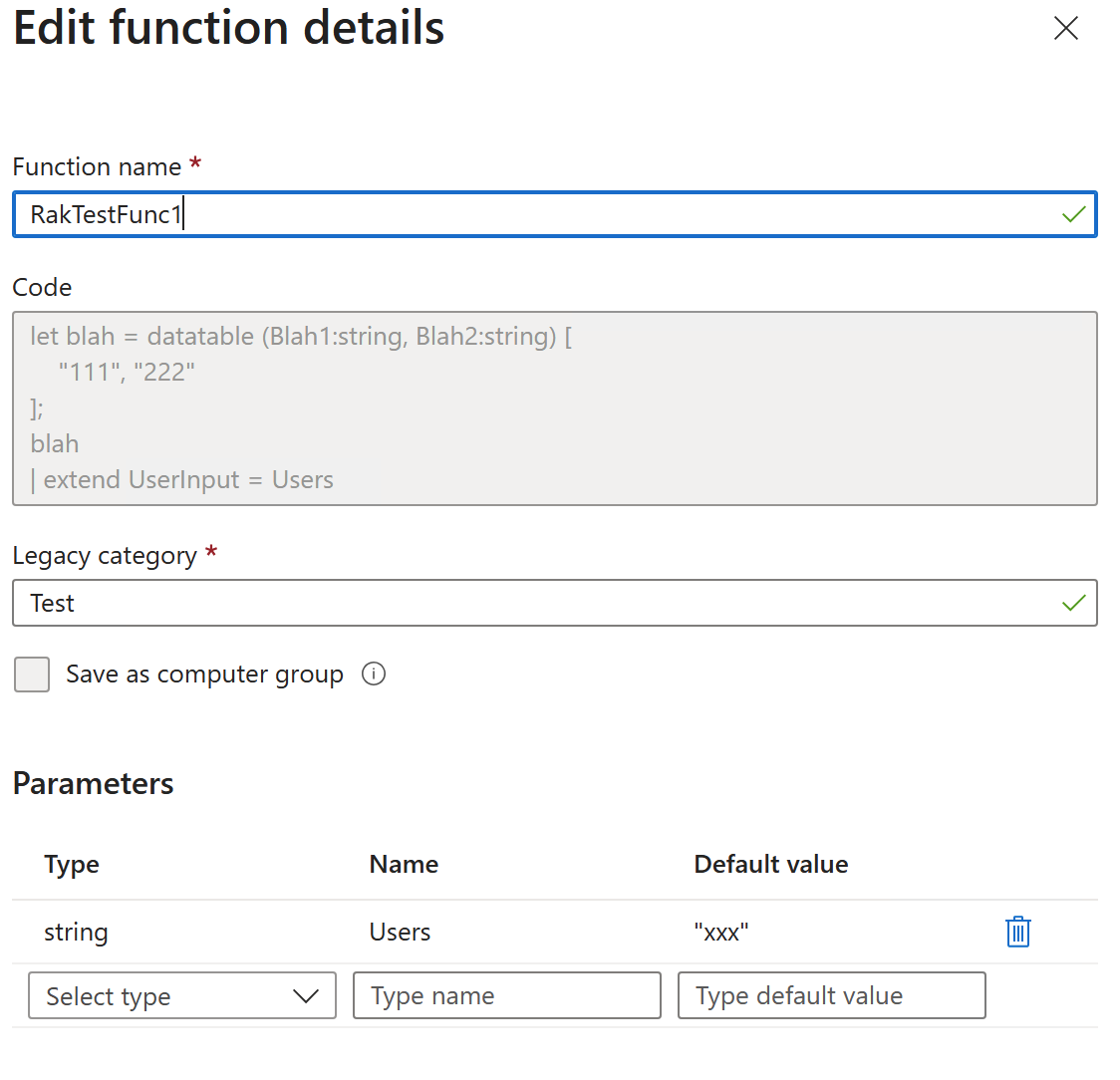
And now I can call the function in one of these ways:
|
1 2 3 4 5 |
// this way RakTestFunc1(Users="rak") // Or this way RakTestFunc1("rak") |
And I can see the input parameter in the output.
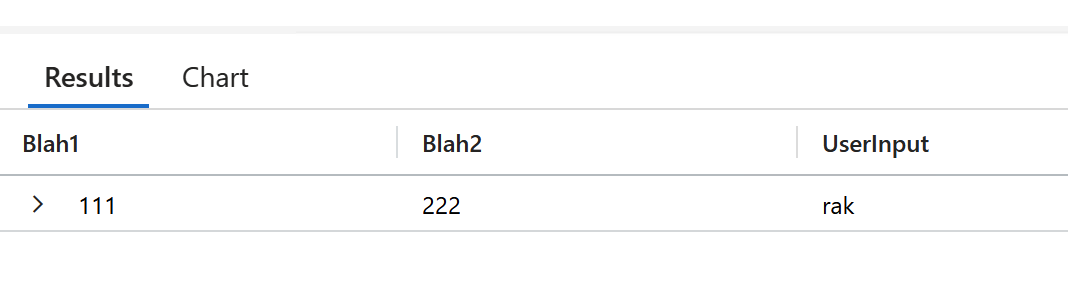
Seems a long winded way to do this, but until I learn of a better way this works I suppose.
For info, here’s what I am doing. First I create a datatable. Why? Because KQL outputs are tables, and I figure I must start with a table so I can add some data to it. I couldn’t think of any other way, so I created a new dummy table. It doesn’t even need the two columns I put in there, just one is fine.
|
1 2 3 |
let blah = datatable (Blah1:string, Blah2:string) [ "111", "222" ]; |
Then I output this table and extend it by adding a column that shows my input.
|
1 2 |
blah | extend UserInput = Users |
The ‘Users’ above is my input. It will appear as an error in the console, but we can ignore that because the parameter is set in the function definition.
Ok, next steps. I want the function to have two inputs – a timespan and a string. How do I output these?
Here’s the new KQL:
|
1 2 3 4 5 6 |
let blah = datatable (Blah1:string, Blah2:string) [ "111", "222" ]; blah | extend TimeRangeInput = TimeRange | extend UserInput = Users |
Add that paramter to the function defintion (click Save and it will open up the dialog box again to add/ remove parameters).
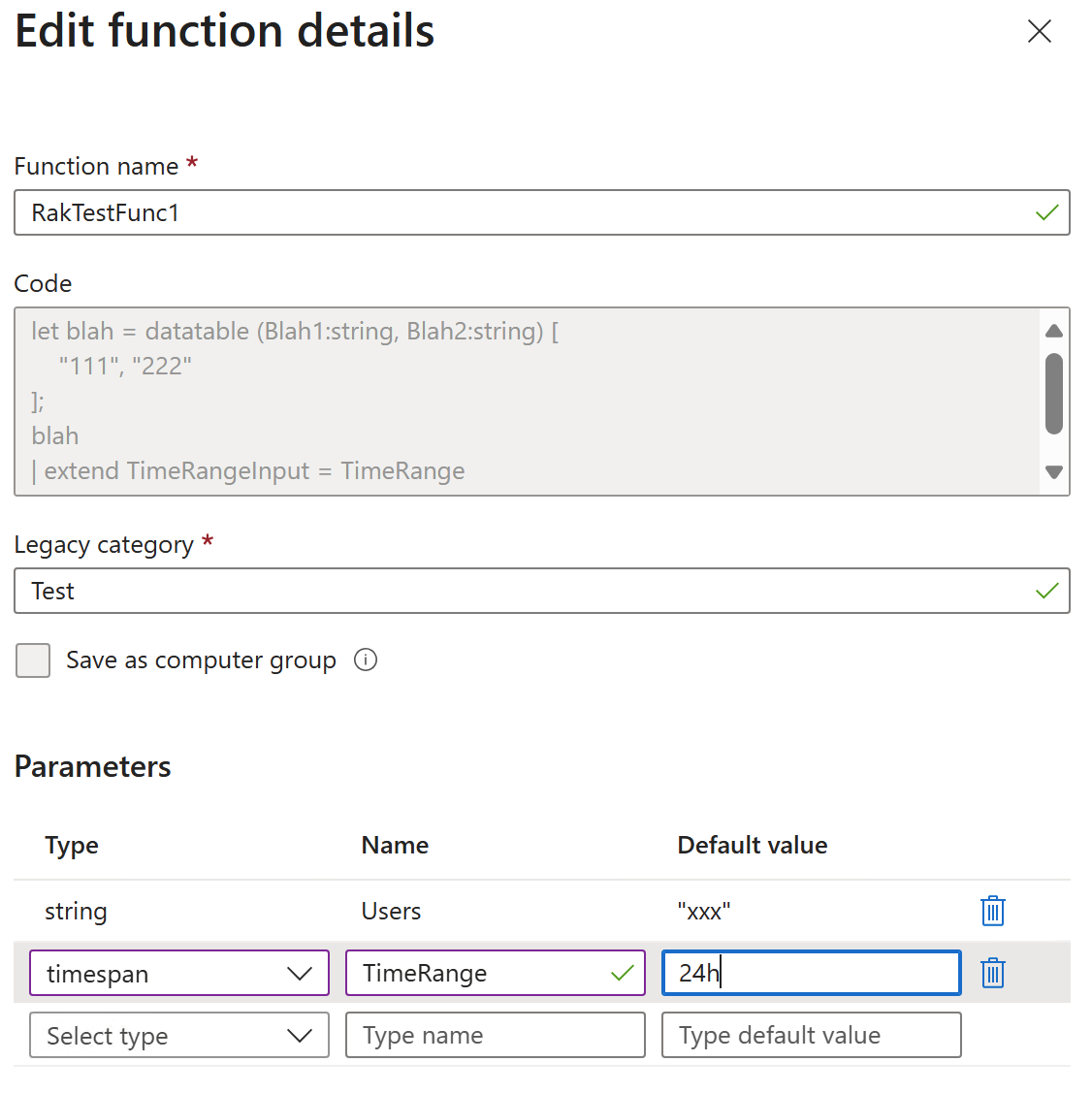
Now if I run the function, I can see what happens:
|
1 2 3 4 |
// Do one of these, as before RakTestFunc1(Users="rak") RakTestFunc1("rak") |
As you can see, it’s picked up the default.

If I change the input, the output changes:
|
1 |
RakTestFunc1("rak", 12h) |

Now I want to change ‘Users’ to be a dynamic type.
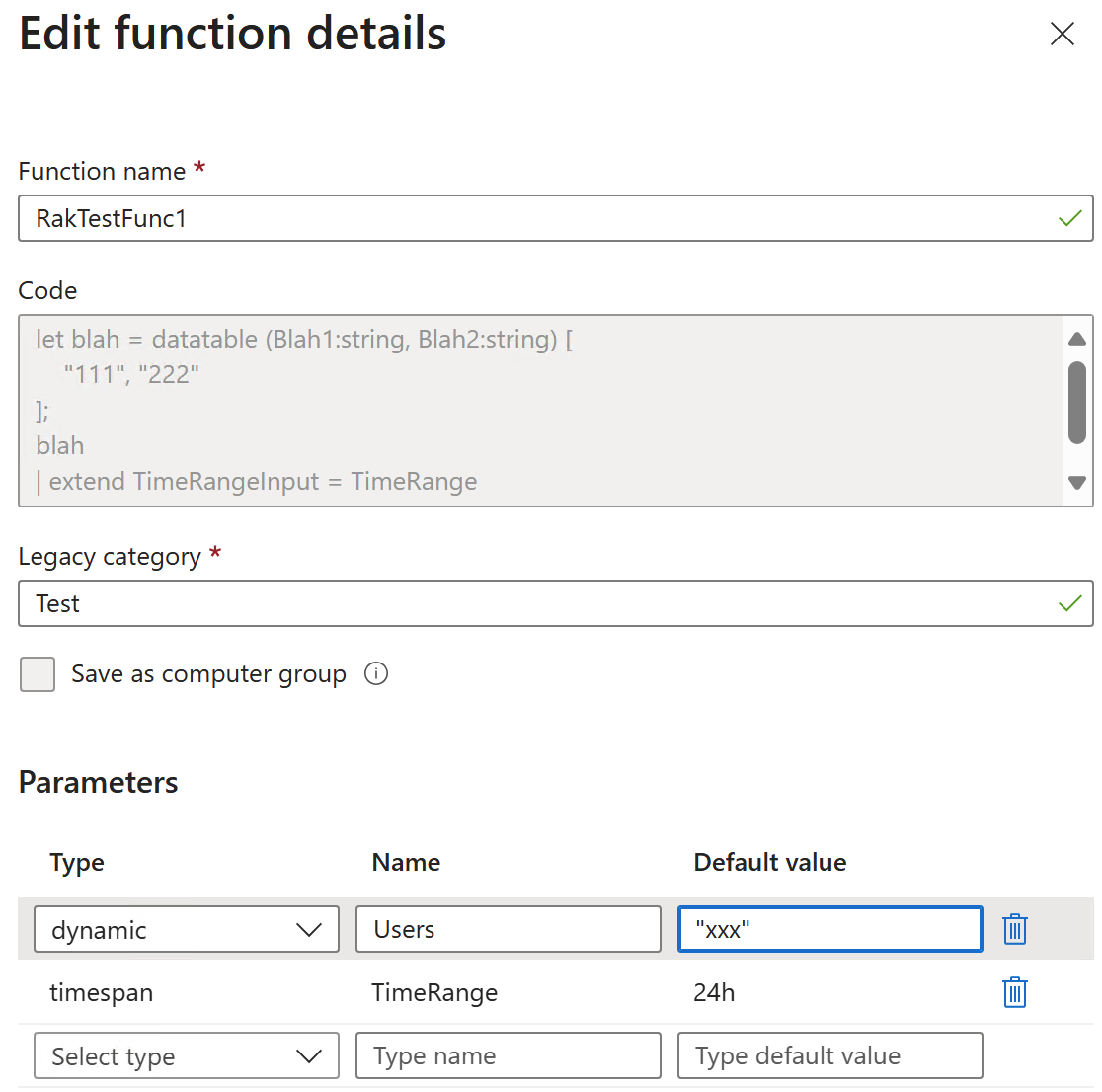
Interestingly, once I did that and saved, it changed to a cast.
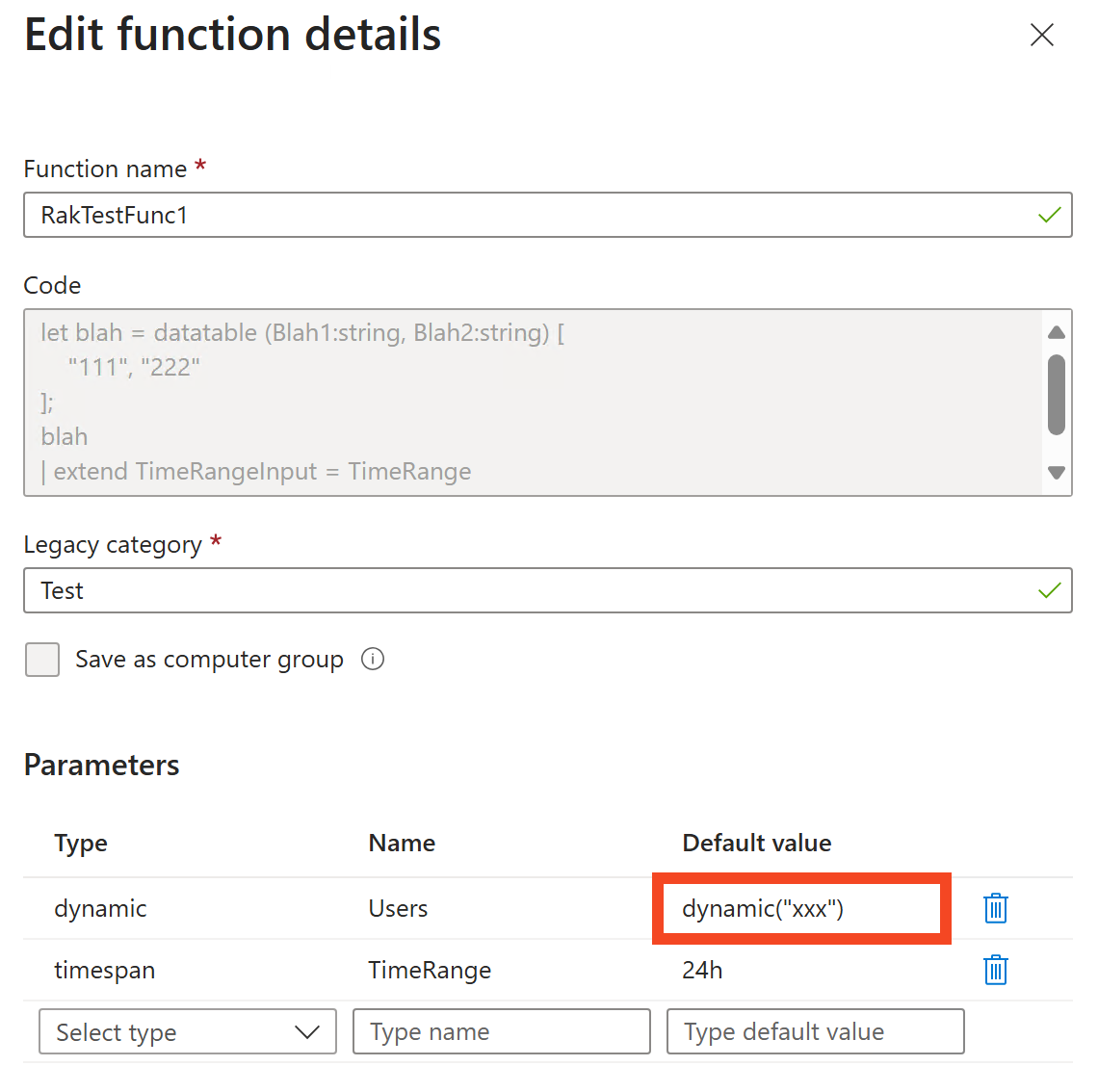
Things work if I provide an input.
|
1 |
RakTestFunc1(dynamic(['rak']), 12h) |

But fail if I don’t provide an input (this is what I had set out to troubleshoot initially, which is why I was creating this dummy way of identifying the inputs passed to a function).
|
1 |
RakTestFunc1(12h) |
I get an error: Cast operator: dynamic casting expects string type values
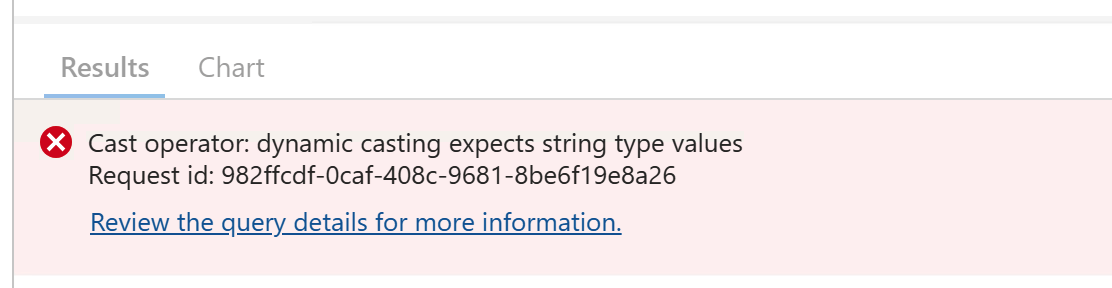
This stumped me for a while and there was nothing I could do to get it working by using the default parameter value if I skipped it.
Finally I found out what to do. It looks like if I am skipping parameter values, I must mention what I am passing.
If I modify the above invocation to be this:
|
1 |
RakTestFunc1(TimeRange=12h) |
Now it works and picks up the default!

And if I skip both parameters, that works too.
|
1 |
RakTestFunc1() |

What if I want the default to be empty? I changed it to dynamic("")
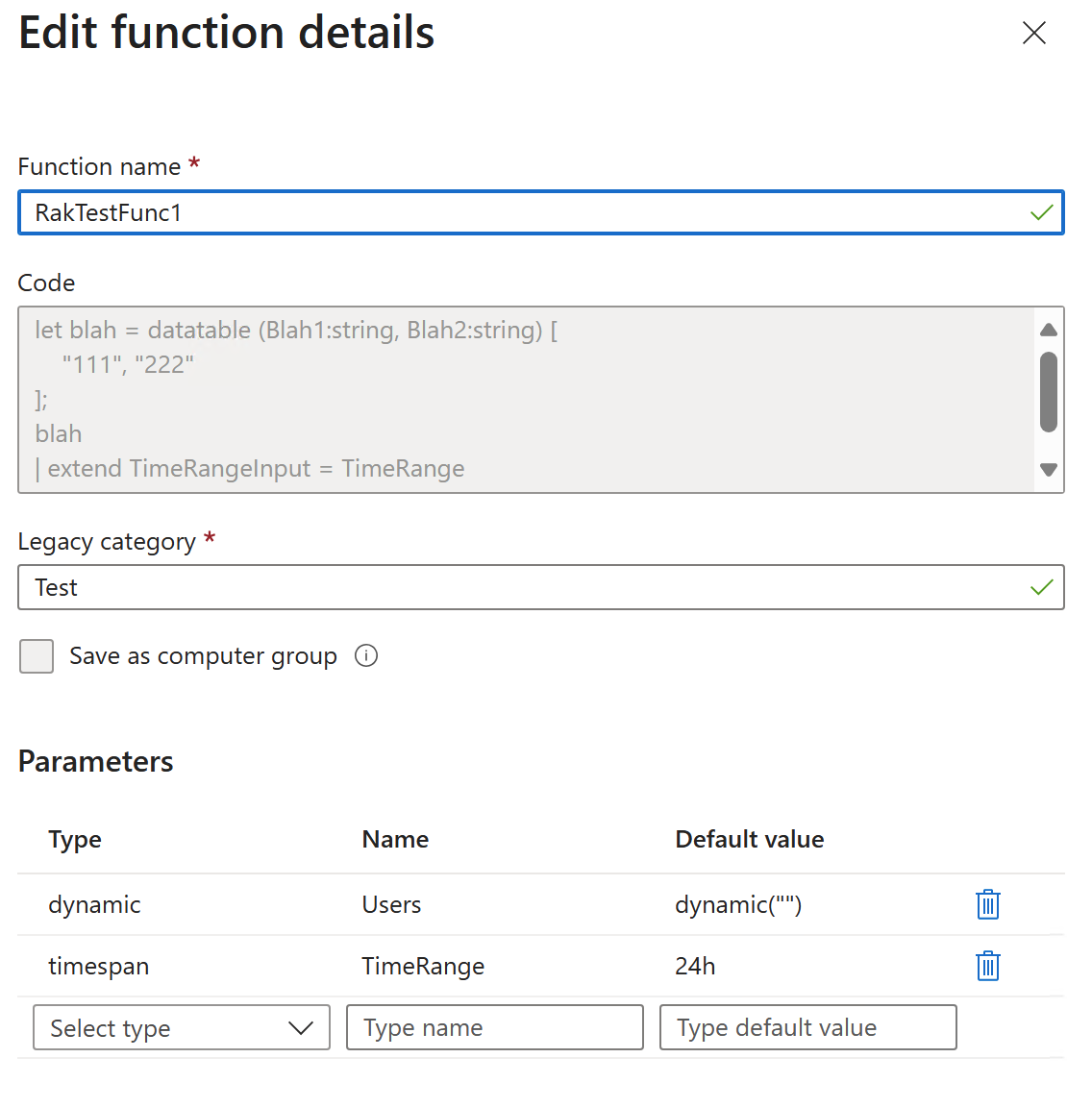
That works too.

Does that comes across as an empty value though? I modified the underlying function thus:
|
1 2 3 4 5 6 |
let blah = datatable (Blah1:string, Blah2:string) [ "111", "222" ]; blah | extend TimeRangeInput = TimeRange | extend UserInput = iff(isempty(Users), "==empty==", Users) |
Yup, that works.

That’s all!