
Every so often I get a request from one of our IT folks asking if I can add such and such app to our App Protection policies. Thing is, most of the time the app in question isn’t one that’s supported by Microsoft/ Intune. (See this article for a list of supported apps).
Inevitably a follow-up question is whether I can add it to the custom apps section as that will somehow bring the app into the App Protection policy umbrella. This is a mistaken suggestion and doesn’t work; and lest anyone think this blog post is me dissing upon those who come with such a suggestion, let me assure you that I too used to be in that group until last year or so. 🙂 No judgement here!
The custom apps section is meant for custom in-house developed apps, or line-of-business apps. It is not meant for you to find the bundle id of an app not in the default list of apps, add it there, and then things will magically work! This is the misunderstanding and the Microsoft’s documentation too makes this clear:
Custom apps are LOB apps that have been integrated with the Intune SDK or wrapped by the Intune App Wrapping Tool.
So if an app is not supported by default by the App Protection policies, there’s not much we can do. There’s no blanket way to add the app, but workarouds might exist. For instance, I had a request to add ChatGPT to one of our App Protection policies so users can copy-paste into it, and the app doesn’t supprot App Protection policies so I couldn’t add it. As an alternative I suggested publishing it as a web-clip that opens in the managed browser.
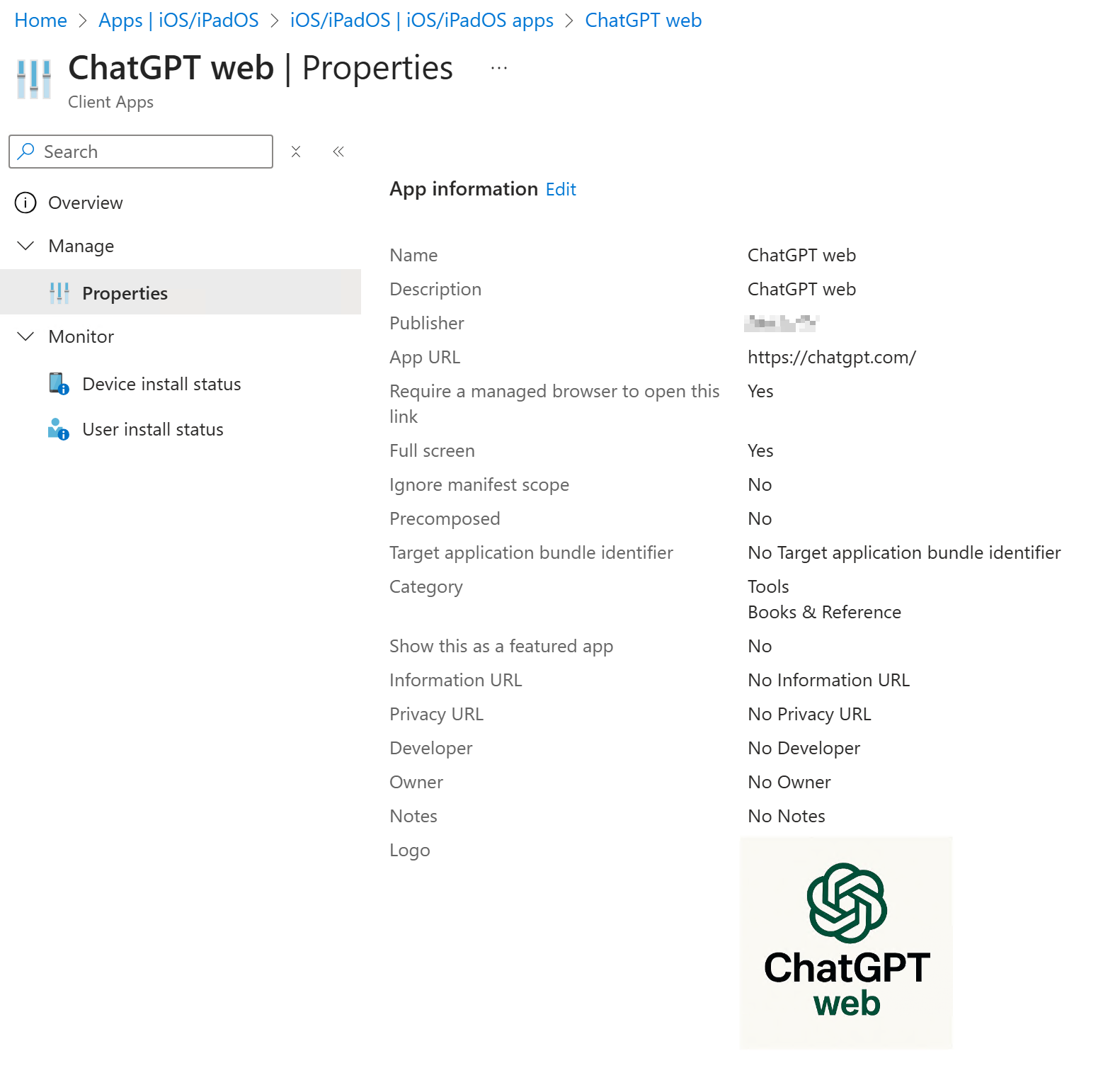
This adds a link to ChatGPT web on the home screen to the users it is assigned to. Clicking it will open ChatGPT web in a managed browser, which is under App Protection, and so one could copy paste into ChatGPT here to initiate a conversation and then go to regular ChatGPT to continue there. Not ideal, but that’s an example of a workaround.

Another option is to tweak the number of characters that are allowed for copy-paste (which works in this scenario as the request was for copy-paste). The default value is 0, which means no copy paste is allowed if the policy is set to block; but we can set a number to allow that many characters. The limit seems to be 65535 characters.