
A follow-up to a previous post… I don’t know if what I what I say below is accurate, take it with a pinch of salt.
As mentioned in that post I have a function that checks if a runbook is already running, and if so waits or quits. One of the things this function needs to do is find the job Id of the runbook, so it can use that to lookup the runbook name and other details and then find if there are other instances of it. Here’s the code I was using so far:
|
1 2 3 4 5 6 7 8 9 10 11 12 13 14 15 16 17 18 19 20 21 22 23 24 25 26 27 28 |
$jobId = $null if ($PSVersionTable.PSVersion.Major -eq 5) { # Need the Guid specifically, unlike PowerShell 7.x $jobId = $PSPrivateMetadata.JobId.Guid } if ($PSVersionTable.PSVersion.Major -eq 7) { # We are in PowerShell 7.x if ($PSVersionTable.PSVersion.Minor -gt 1) { # We are in PowerShell 7.2 and above if ($env:AZUREPS_HOST_ENVIRONMENT -eq "AzureAutomation/") { # We are in a Hybrid Runbook Worker $jobId = $env:PSPrivateMetadata } else { # We are in Azure sandbox $jobId = $PSPrivateMetadata.JobId } } else { # This will be empty for PowerShell 7.1 running in Azure sandbox $jobId = $env:PSPrivateMetadata } } if ($jobId) { # Do something } |
I have a few Hybrid Runbook Workers (HRW), and this code worked perfectly on all of them too. Last week, I decided to move one of them from one automation account to another. In the process I removed it from the Hybrid Worker Group, re-added it to another. Expecting no issues out of a mundane task like this, I was suprised when a bunch of my runbooks started to fail – the common thing being that they were all running on this newly moved HRW. The same runbook on the other HRWs were fine, but if I made it run on this one it failed.
The HRW itself was on PowerShell 7.4 – same version as others. And it was this section that was failing:
|
1 2 3 |
if ($env:AZUREPS_HOST_ENVIRONMENT -eq "AzureAutomation/") { # We are in a Hybrid Runbook Worker $jobId = $env:PSPrivateMetadata |
Instead of getting the job Id, I was getting this: System.Collections.Hashtable.
Not an actual hashtable, but the text System.Collections.Hashtable. So weird!
I couldn’t figure out what’s going on, and after a lot of wasted hours confirming that it was definitely this particular HRW, and all the modules on it were the same versions as the other HRWs, and so was the PowerShell version etc., I finally gave up and modified my code to work around this.
|
1 2 3 4 5 6 7 8 9 10 11 12 13 14 15 16 17 18 19 20 21 22 23 24 25 26 27 28 29 30 31 32 33 34 35 36 37 38 39 40 41 42 43 44 45 46 47 48 49 50 51 52 53 54 55 56 57 58 59 60 61 |
$jobId = $null if ($PSVersionTable.PSVersion.Major -eq 5) { # Need the Guid specifically, unlike PowerShell 7.x $jobId = $PSPrivateMetadata.JobId.Guid } if ($PSVersionTable.PSVersion.Major -eq 7) { # We are in PowerShell 7.x if ($PSVersionTable.PSVersion.Minor -gt 1) { # We are in PowerShell 7.2 and above if ($env:AZUREPS_HOST_ENVIRONMENT -eq "AzureAutomation/") { # We are in a Hybrid Runbook Worker $jobId = $env:PSPrivateMetadata # I have no idea why this happens on one of the HRWs if ($jobId -eq "System.Collections.Hashtable") { Write-Host "$outputPrefix (Edge case where env:PSPrivateMetadata is System.Collections.Hashtable)" if ($PWD -match "HybridWorker") { Write-Host "$outputPrefix (Trying a workaround to find JobID as this is an HRW)" if ($ScriptRoot) { $parentPath = Split-Path -Parent $ScriptRoot } elseif ($PSScriptRoot) { $parentPath = Split-Path -Parent $PSScriptRoot } else { $parentPath = $null } if ($parentPath) { $fullPath = $parentPath + "\diags\trace.log" try { $jobId = ((Get-Content $fullPath -ErrorAction Stop | Select-String "jobId") -split 'jobId=')[1] -replace ']','' } catch { $jobId = $null } } else { Write-Host "$outputPrefix Setting JobID to null" $jobId = null } } else { Write-Host "$outputPrefix Setting JobID to null" $jobId = null } } } else { # We are in Azure sandbox $jobId = $PSPrivateMetadata.JobId } } else { # This will be empty for PowerShell 7.1 running in Azure sandbox $jobId = $env:PSPrivateMetadata } } |
This is based on my previous hack that was no longer necessary since July 2024 with PowerShell 7.2, but now I put it back.
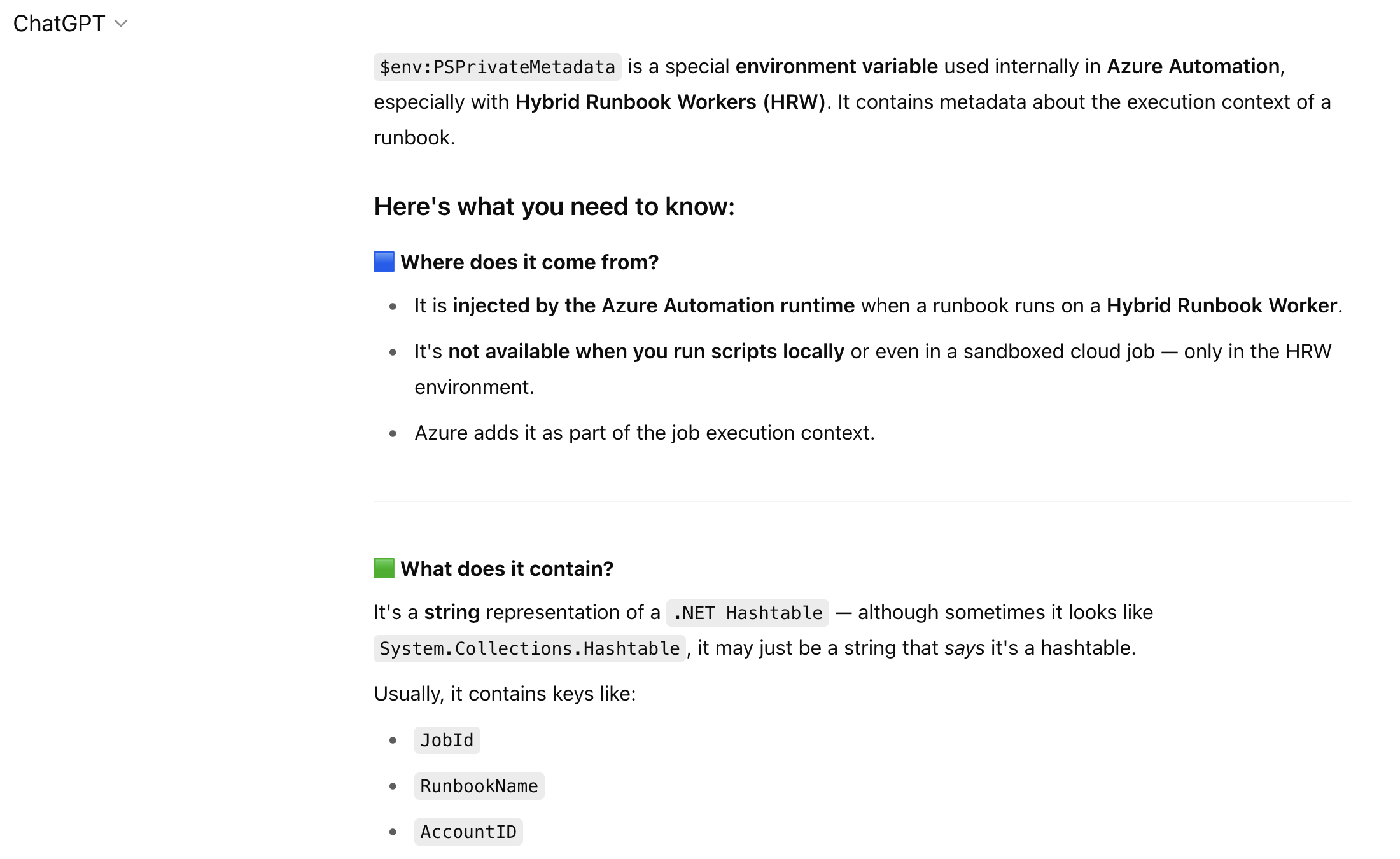
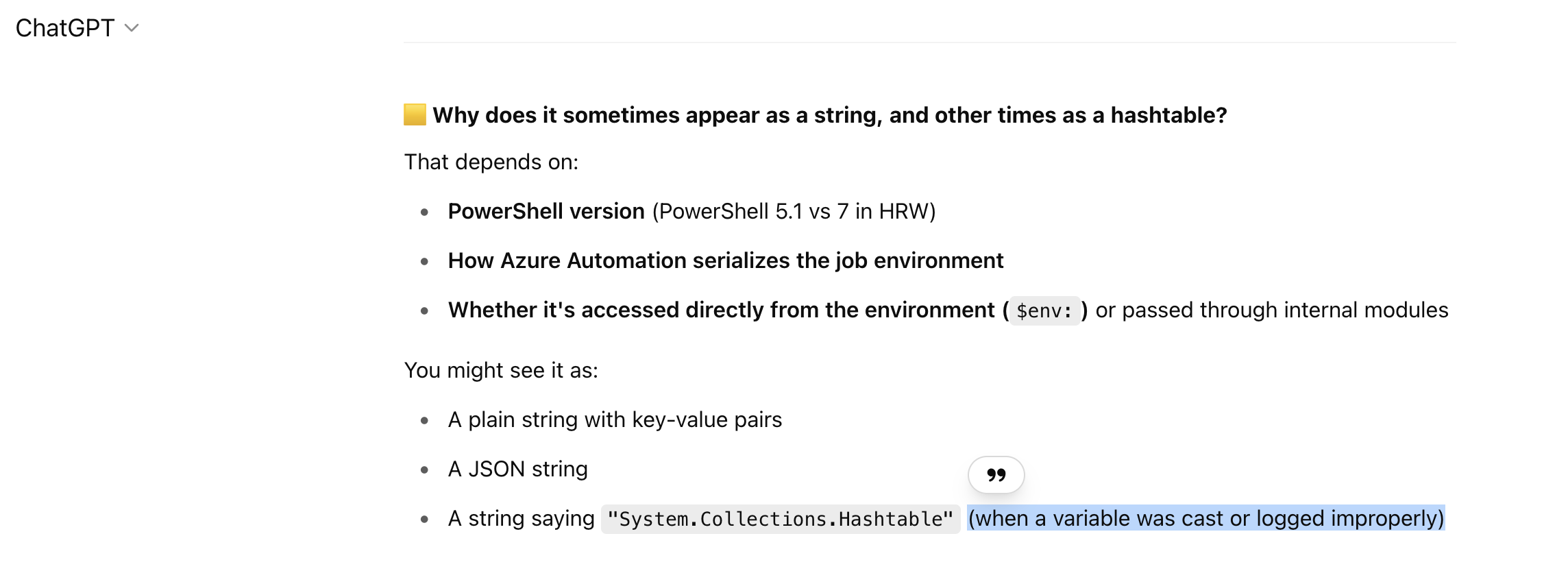
A few days later, though, I had a brainwave as to what might be the issue. I am not a 100% sure that is the issue, but I just wanted to blog it in case it helps anyone else. You see, the HRWs that work are on an older version of the extension – and so was the one that is now broken – but in the process of removing it from one Hybrid Worker Group and adding to another, when the extension was removed and readded the latest version got installed. And so that might be the issue. The PSPrivateMetadata variable is injected by this extension after all (according to ChatGPT, so maybe it’s hallucinating!) and if the extension has an issue injecting it (maybe the hashtable isn’t getting serialized properly) that would explain why it is a string with the type rather than a hashtable.
The best test would be to upgrade my working HRWs to the latest version and see if they too break. Didn’t want to do that as I am busy with a few critical projects, but maybe I’ll do that next month and update this post if doing that breaks those HRWs too.