
Continuing with SuccessFactors on Android, one of the things the app does upon launch is to ask whether you want to use a password or fingerprint. If I select “fingerprint”, it says there’s no fingerprint to be found. And if I select “password” I can setup a new password and use that each time I open the app.
That seemed a bit inconvenient, and I was curious why it wasn’t finding the fingerprint – especially coz my phone had fingerprint and face unlock setup.
I figured out what to do. One must add fingerprints to the work profile too. Like so:
| Open the Settings app |  |
| Type “fingerprint” and select the one for Work | 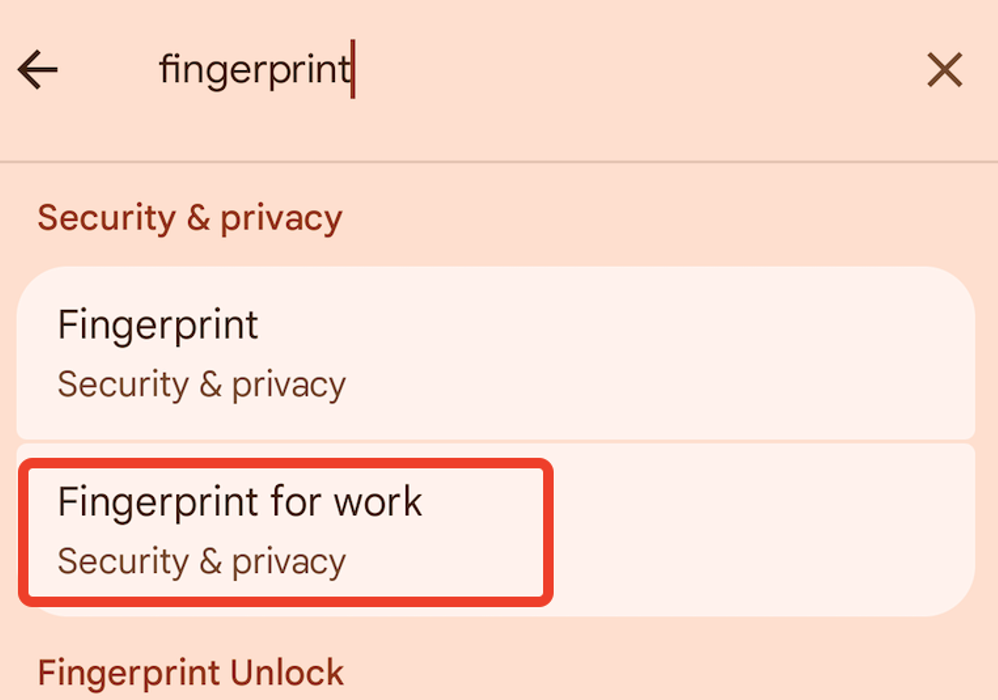 |
| If “Fingerprint for work” already has an entry, you don’t need to do anything.
If not, click on it. Follow the instructions to add a fingerprint. You may also be prompted to register your face – go ahead and do that too. |
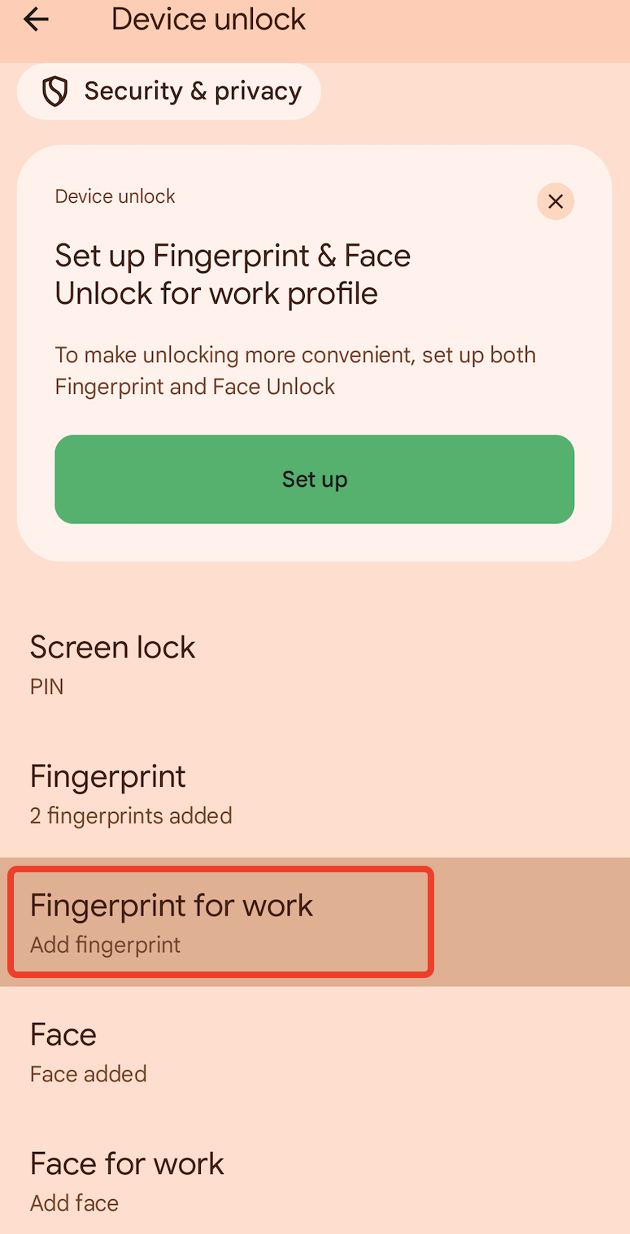 |
| After adding a fingerprint (and optionally, face) it looks like this. | 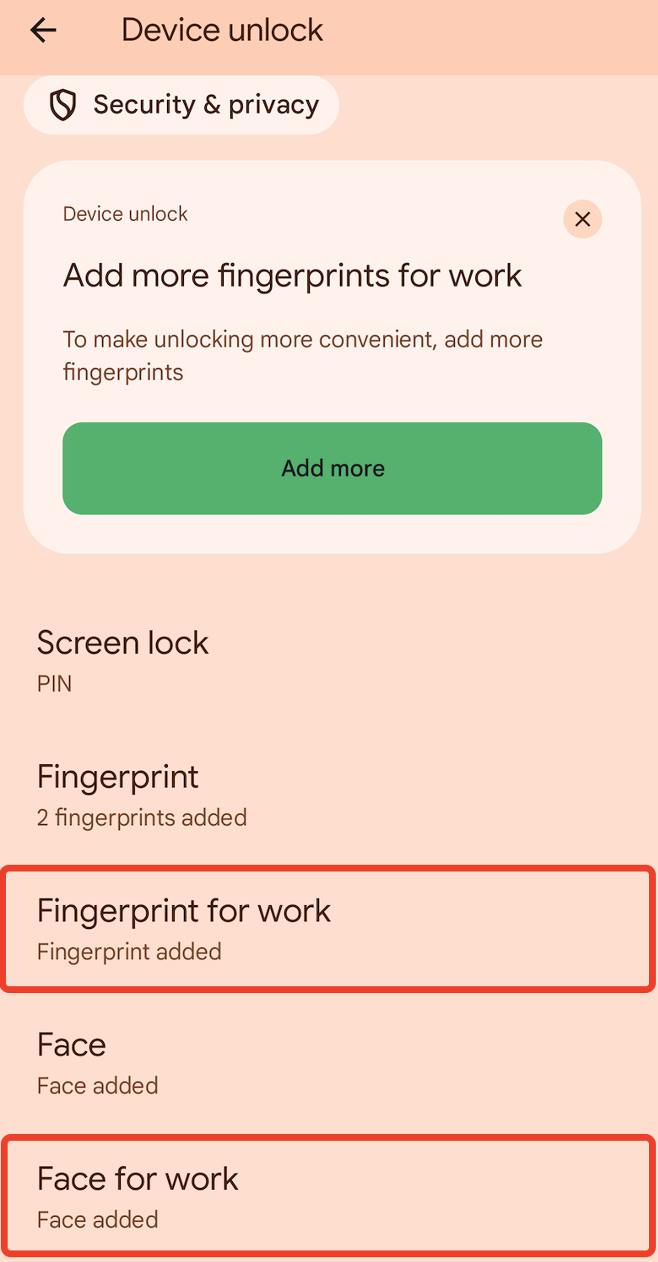 |
Now when I open the app (I had to reinstall it, but I think there’s a setting in the app if you have already signed in with the password option – click on the hamburger menu on the top left in the app, go to Settings, and toggle Fingerprint) I get prompted as before but can select the fingerprint option.
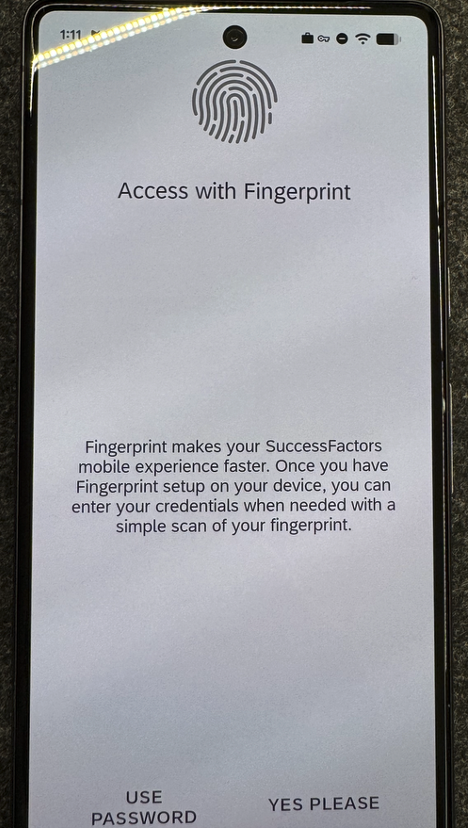
Click “YES PLEASE” and I get prompted to confirm the fingerprint.
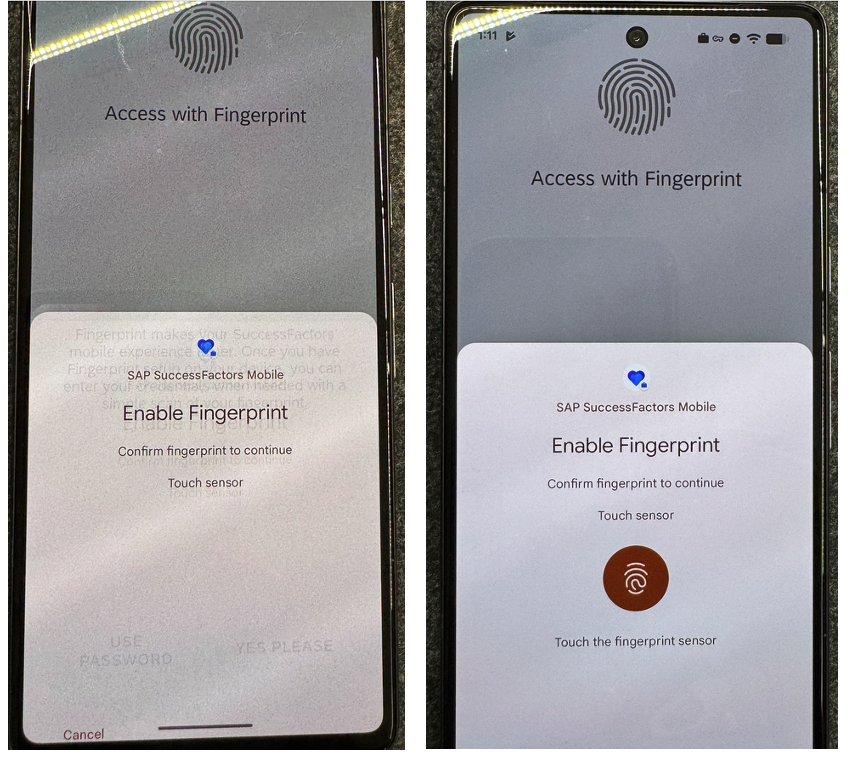
Yay!