
We wanted to push the Android and iOS apps of SAP SuccessFactors.
iOS is easy. Push the app out to a group. Also push out an app configuration so the app knows what to do when a user clicks on it. Easy peasy.
This article has a list of the keys you need to push out.
And you can do so via an XML file like so:
|
1 2 3 4 5 |
<dict> <key>SFSF_Instance</key><string>XXXXX</string> <key>SFSF_DomainName</key><string>BLAH.successfactors.TLD</string> <key>SuccessFactors</key><string>GUID</string> </dict> |
Android should be similarly easy. Push the app out to a group. Create an app configuration and assign to the group. With Android you get a configuration designer with prefilled questions when you choose SuccessFactors as the app.

However, this didn’t work. The app would launch and then throw an error:
No apps found: There are no apps on this device that your organization allows to open this content. Contact your IT administrator for help.
Weird. I thought maybe the app expects Chrome or something, and since our Android work profile didn’t have Chrome it was complaining about that. But adding Chrome didn’t make a difference.
Contacting customer support was unhelpful as they kept saying we must add their app to the App Protection policies. Which makes zero sense, coz SuccessFactors isn’t available as an app to select with App Protection policies.
The fix in the end was to exempt SAP SuccessFactors from the “Send org data to other apps” setting of our default App Protection policy. Thanks to this blog post that gave me the idea. In our case the “Send org data to other apps” setting was set to “Policy managed apps” so I think what’s happening is that when the SuccessFactors app launches it opens up Edge to do the SSO (it knows what to do coz we are pushing the app configuration) and then Edge is unable to send back to SuccessFactors as it’s not a policy managed app. That’s why the SuccessFactors team were saying we should add SAF SuccessFactors to the App Protection policy, but that’s wrong advise coz the app isn’t available to be added. Instead, we must exclude SAP SuccessFactors from the list of apps that are exempted from the “Send org data to other apps” restriction.
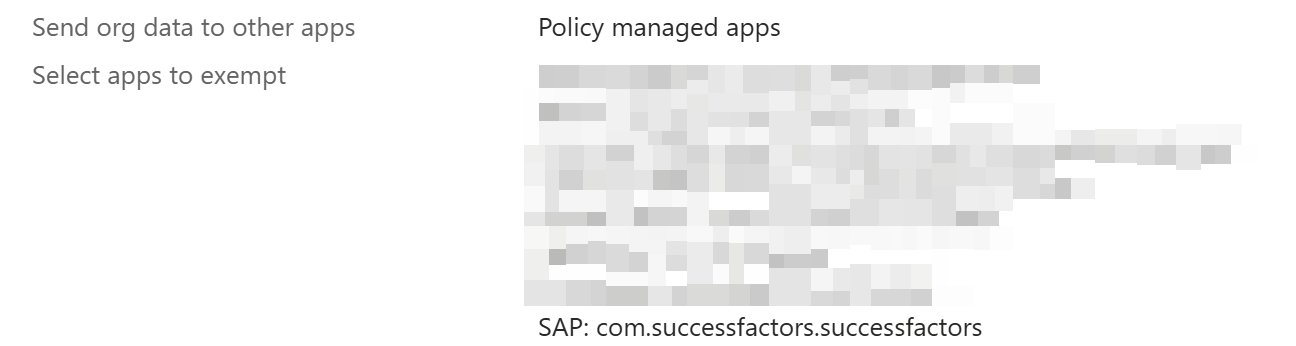
I found the id by looking at the app in Intune. It’s com.successfactors.successfactors in case anyone wants to copy-paste.