
I use environment variables a lot in Power Automate. Useful to set, well, environment level variables, such as the type (prod/ dev), approver group prefixes per environment, and so on.
I couldn’t figure out how to use it in Power Apps though. I added it to my environment and some instructions said I must go to the variable pane and add it (doesn’t exist!)
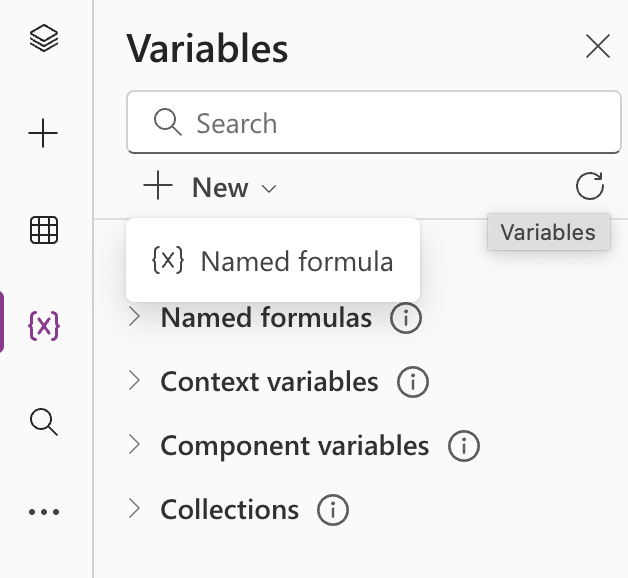
Or Insert > Variable (nope!)
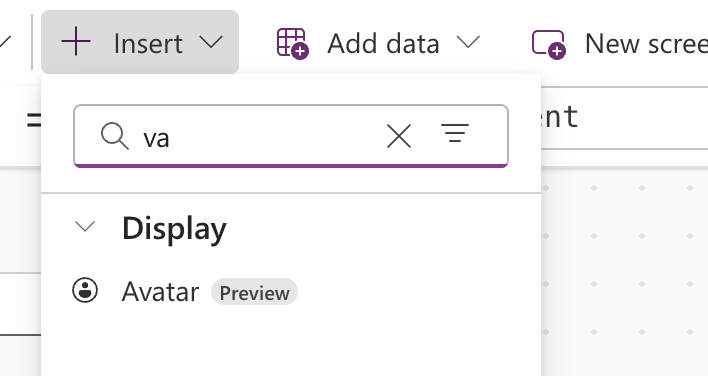
Or even just reference it directly. But nothing worked.
Finally, I found this under data:
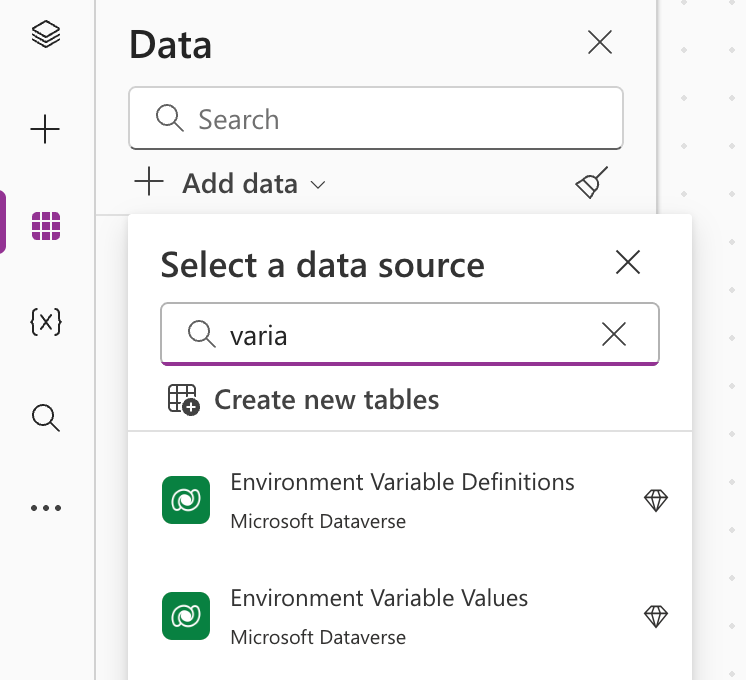
Adding it, then putting it in a formula and clicking shows me the records.
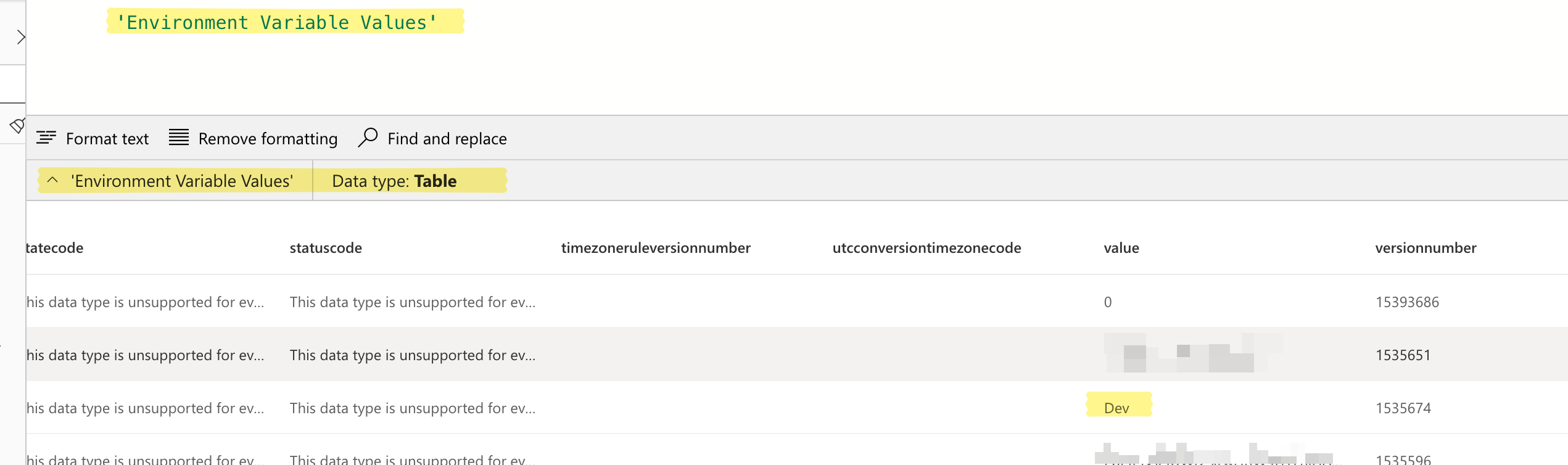
I can’t find the variable name, but the value “Dev” is there. Makes sense, looks like this just contains the variable values. (Actually, scratch that, the variable name too is there. It’s under schemaName, and only for the variable that’s added to the solution. The rest have a guid).
So I can look it up like this: LookUp('Environment Variable Values', 'Schema Name'="rak_EnvType").value
Sucks though, that one needs a premium connector just for this!
Not a biggie in my case scenario as I make use of a premium connector in one of the dependent Flows (and so linked the environment to a Pay-as-you-go plan via an Azure subscription), but it would have sucked if wasn’t using any premium connector already. Better to just invoke a Flow maybe to get the environment variable and return to Power Automate!
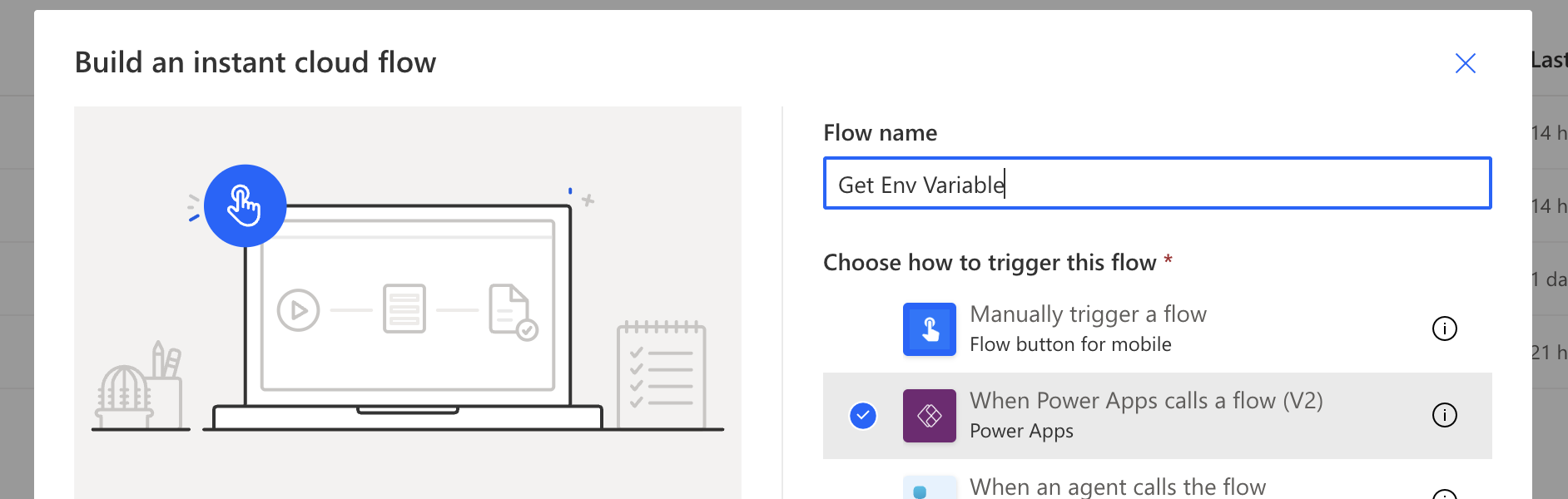
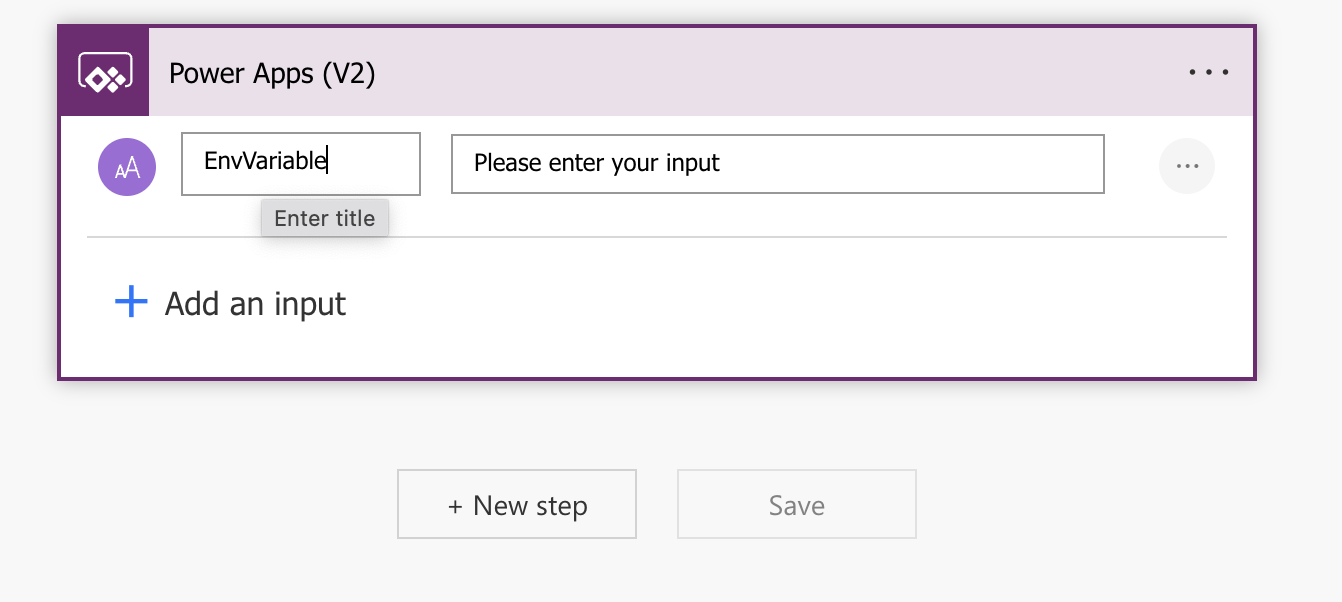
Trigger:
Respond with the value. 😃
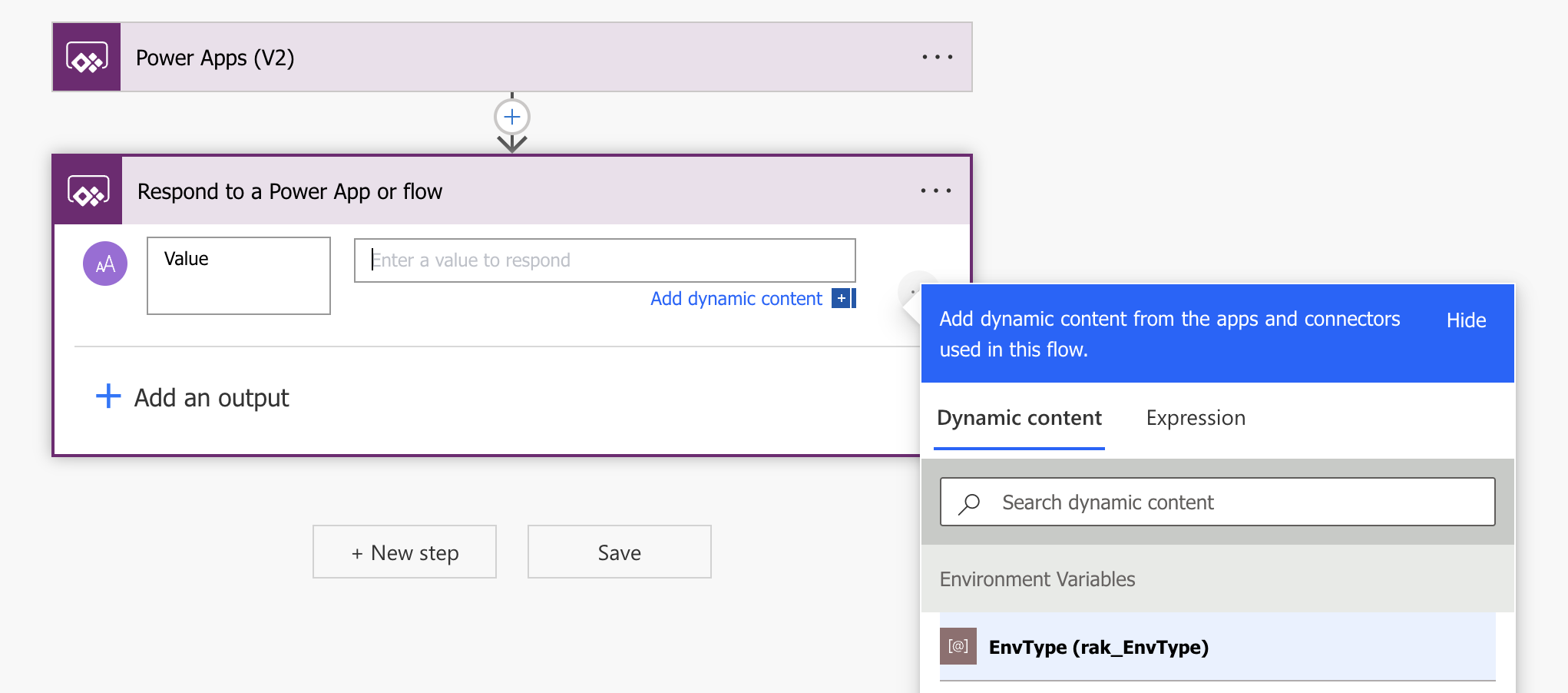
And that’s it!
Then I add it to Power Apps:
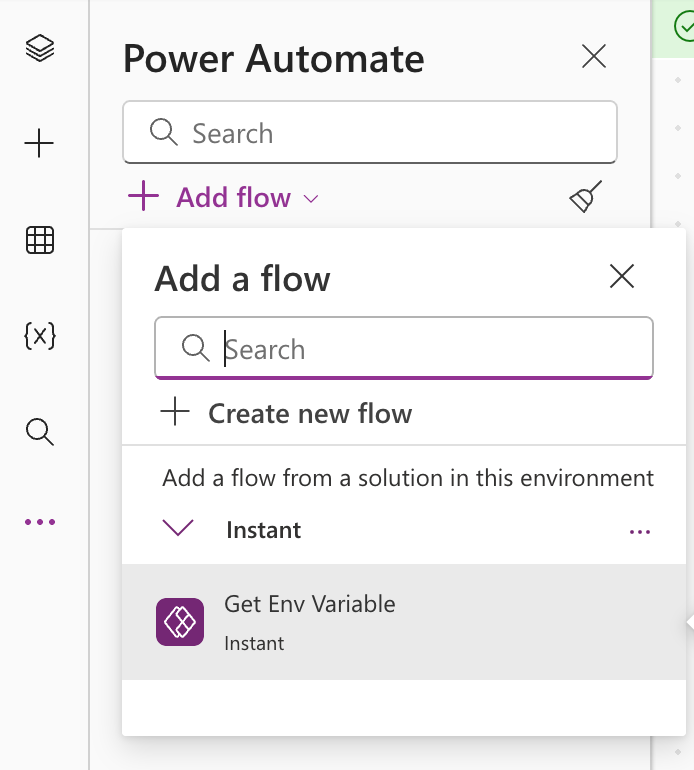
And call from Power Apps to get the value: GetEnvVariable.Run("rak_EnvType").value
When using Power Apps I’ve come to realize that it heavily depends on Power Automate. For a lot of things the answer is Power Apps doesn’t do this, just use Power Automate to do it. Power Automate is Power Apps’ little helper!