
I have a custom connector that calls an Azure Function.
I changed the outputs of one of the Functions in the Azure Function App, and also updated it in the custom connector.
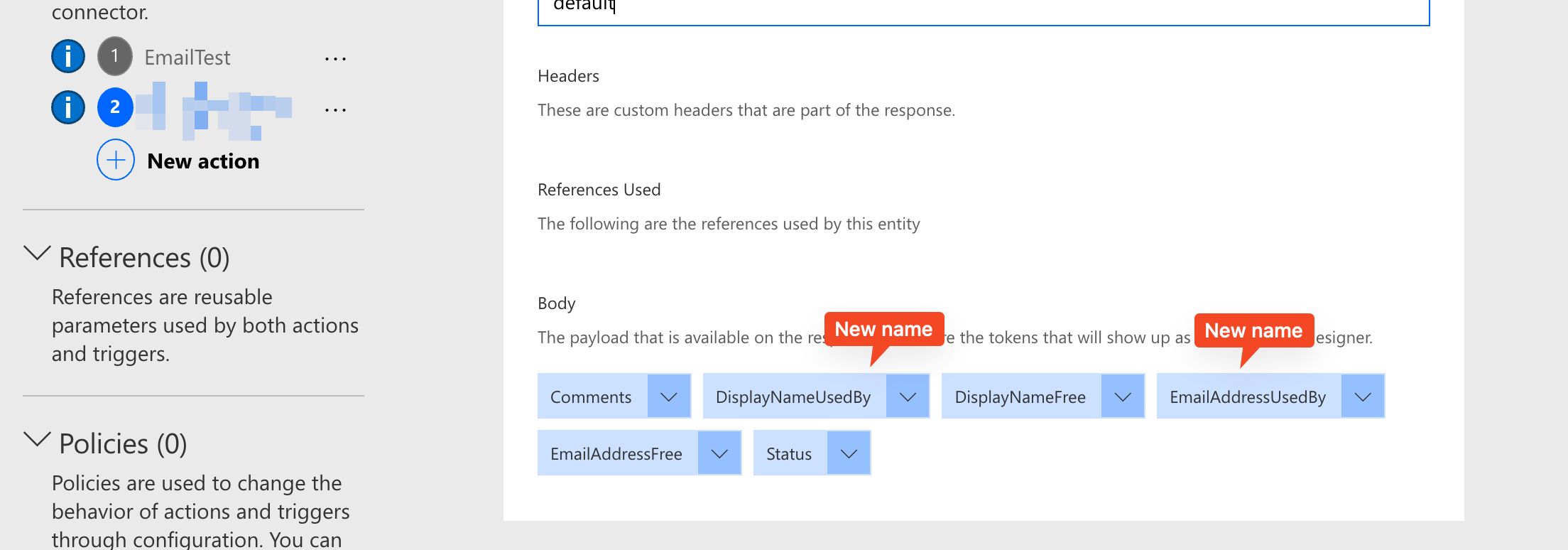
But the Power App refuses to see the new name!
Out of frustration I removed the connector and re-added to the app. I removed the connection itself from my environment and re-authenticated and re-added it to the Power App (this bit me in the ass because removing the connection then stopped me from getting back to the Power App! Luckily I was trying these shenanigans in a test version of the app so I could just delete it and move on). I even exported the custom connector and re-added it as an update, but that didn’t help either.
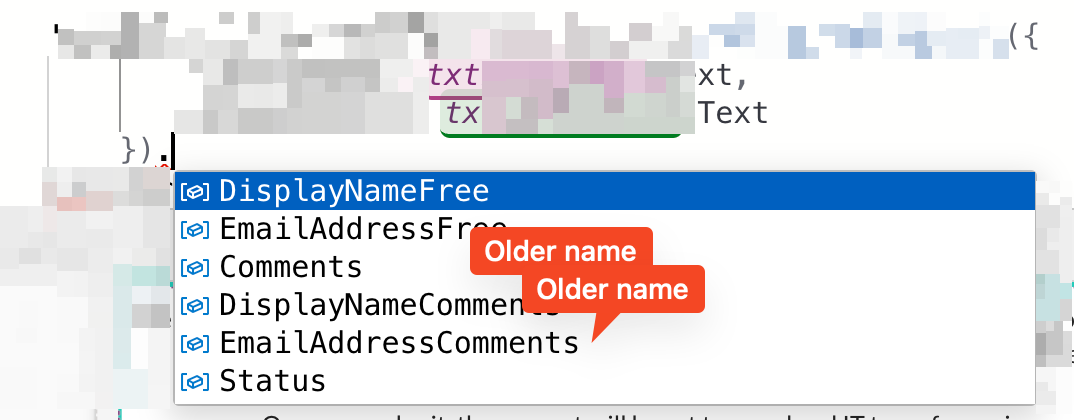
Then I took a look at the swagger file I downloaded and saw that even though I had changed the names, the older names were still appearing.
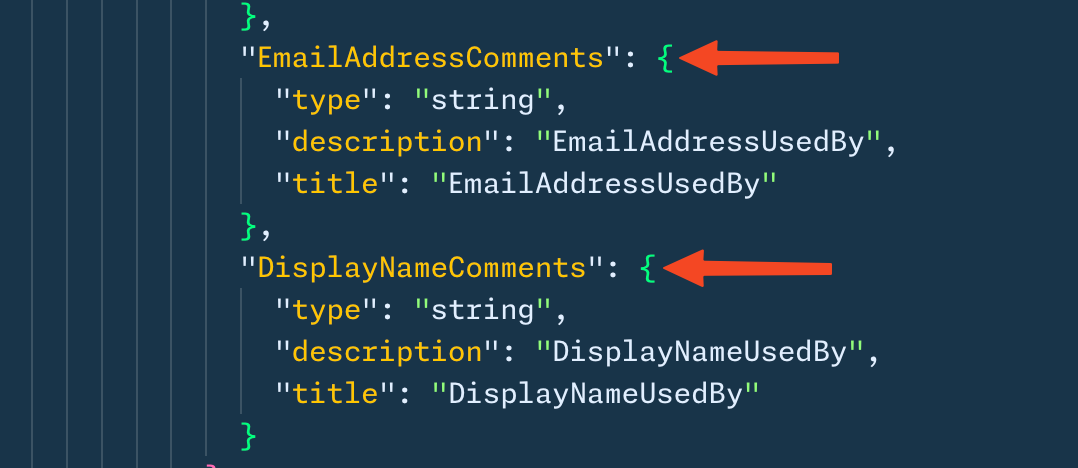
So I renamed them in the swagger file, then updated the connector by importing it.
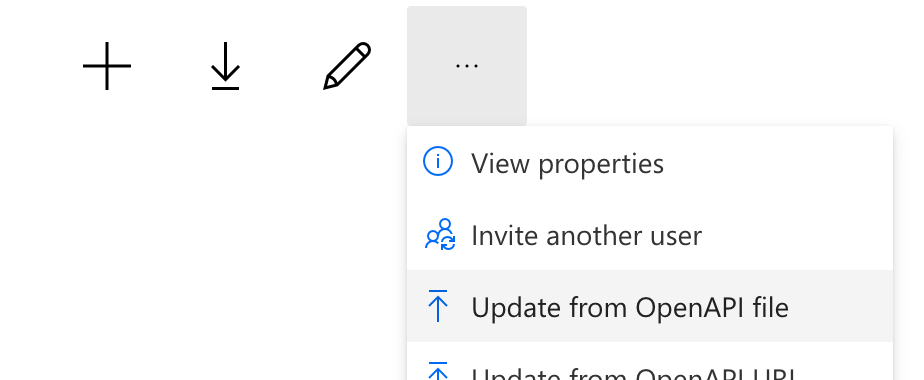
Be sure to click “Update Connector” in the UI.

This wasn’t enough to get Power Apps to see the new names though, so I then removed the connection from Power Apps…
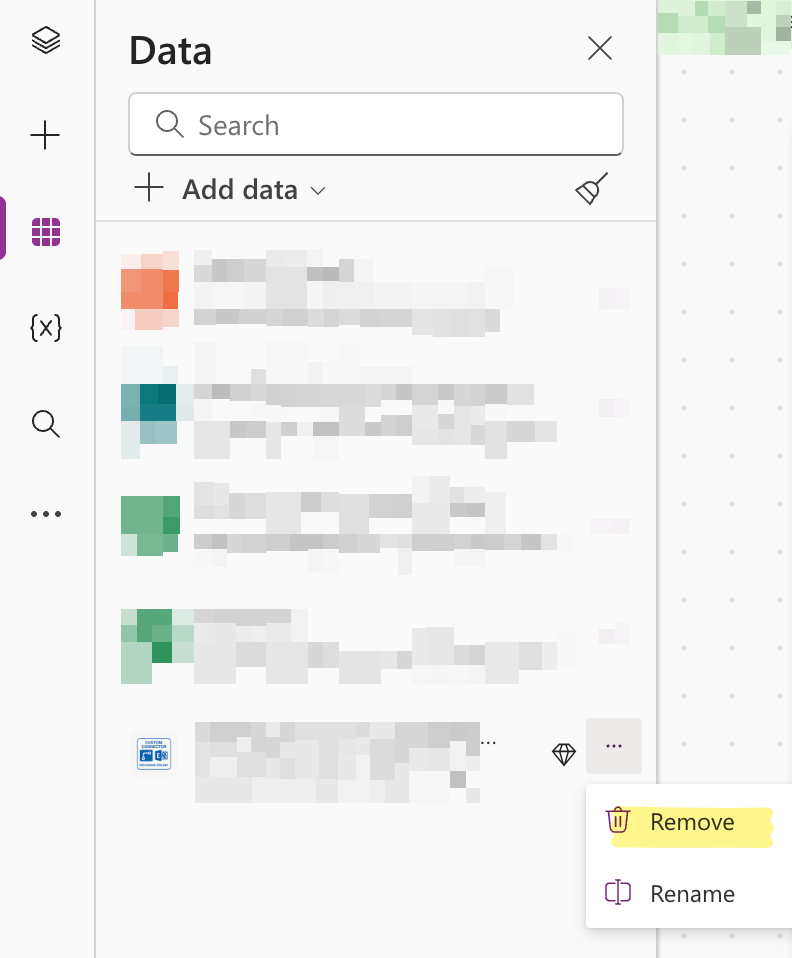
… and re-added it. And then I finally get the correct fields!
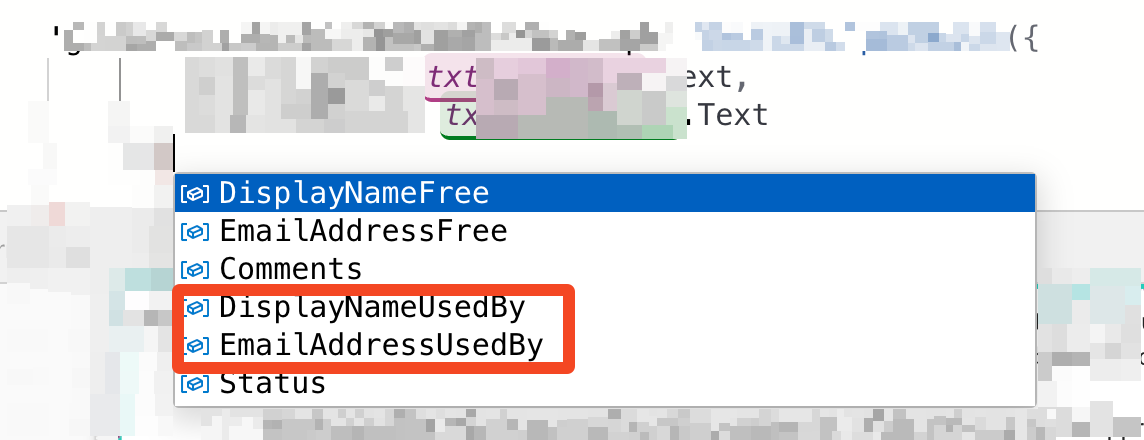
Phew!