
Doesn’t say so anywhere, but the Azure Table Storage connector Get Entities action has a 1000 items limit. Bit me in the a$$ yesterday when demoing something I created and the one person I happened to search with his name starts with Z and the table had 1008 entries, but the connector only got 1000 results, and so obviously he wasn’t in the list. Fun!
The REST API mentions this, so that’s probably where the limit comes from.
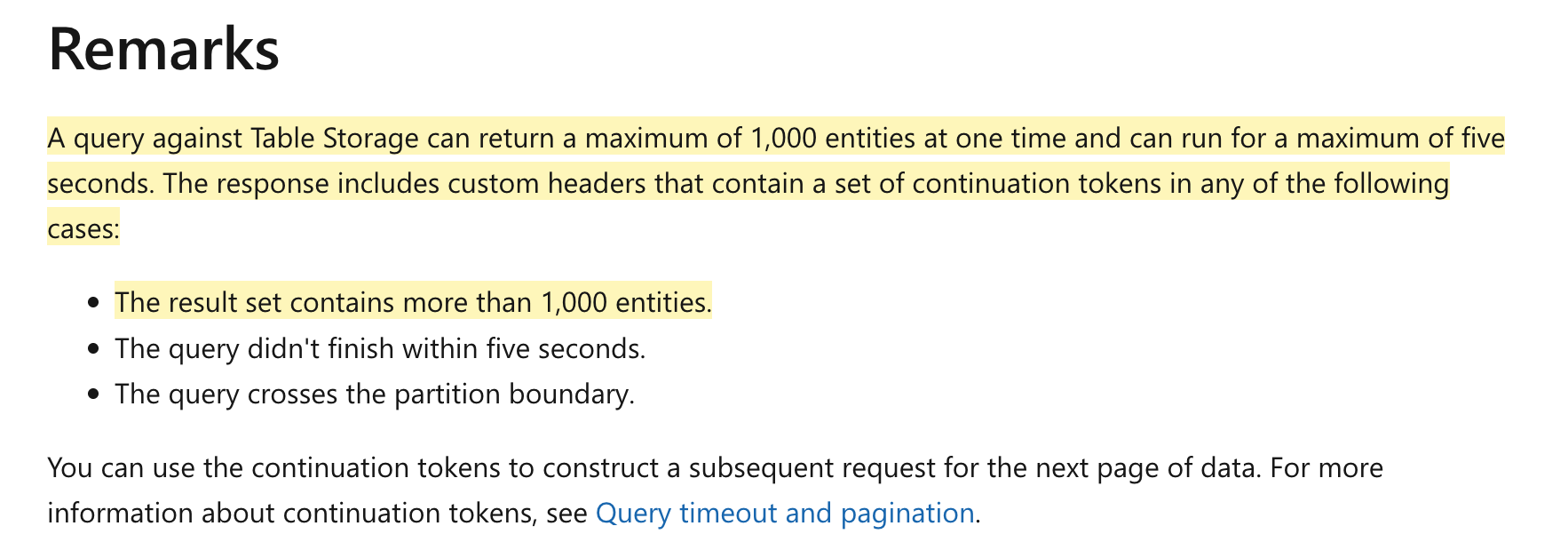
Thankfully I have experience with this in other connectors, so here’s what I did:
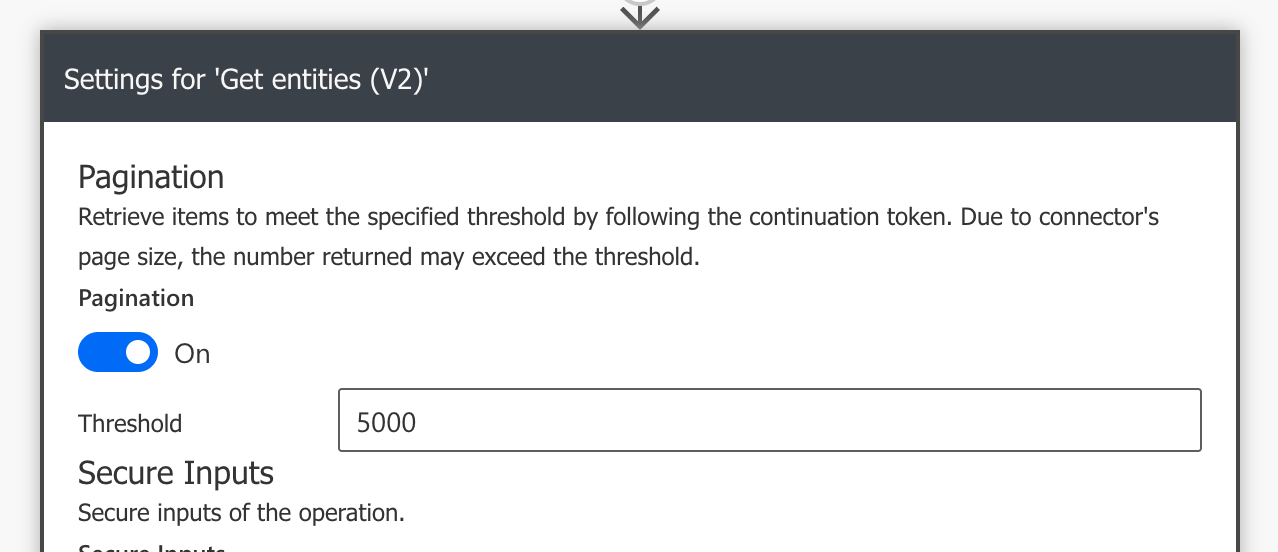
In the settings of the conncetor I turned on pagination and set the threshold to 5000 items. I set 5000 coz I know the maximum number of records I will get from the table is 5000 (it was 1008 for the query I tested with, but for others it could go up to 5000).
Here’s a good writeup on the threshold parameter and what’s happening behind the scenes. Has some good examples too.
When I set a threshold of 5000 items what this is telling the Azure Table Storage API is that I need 5000 items. Since the API returns only 1000 items at most, this means it will make 5 calls to the API until I get the 5000 items.